
Charging four devices from two outlets

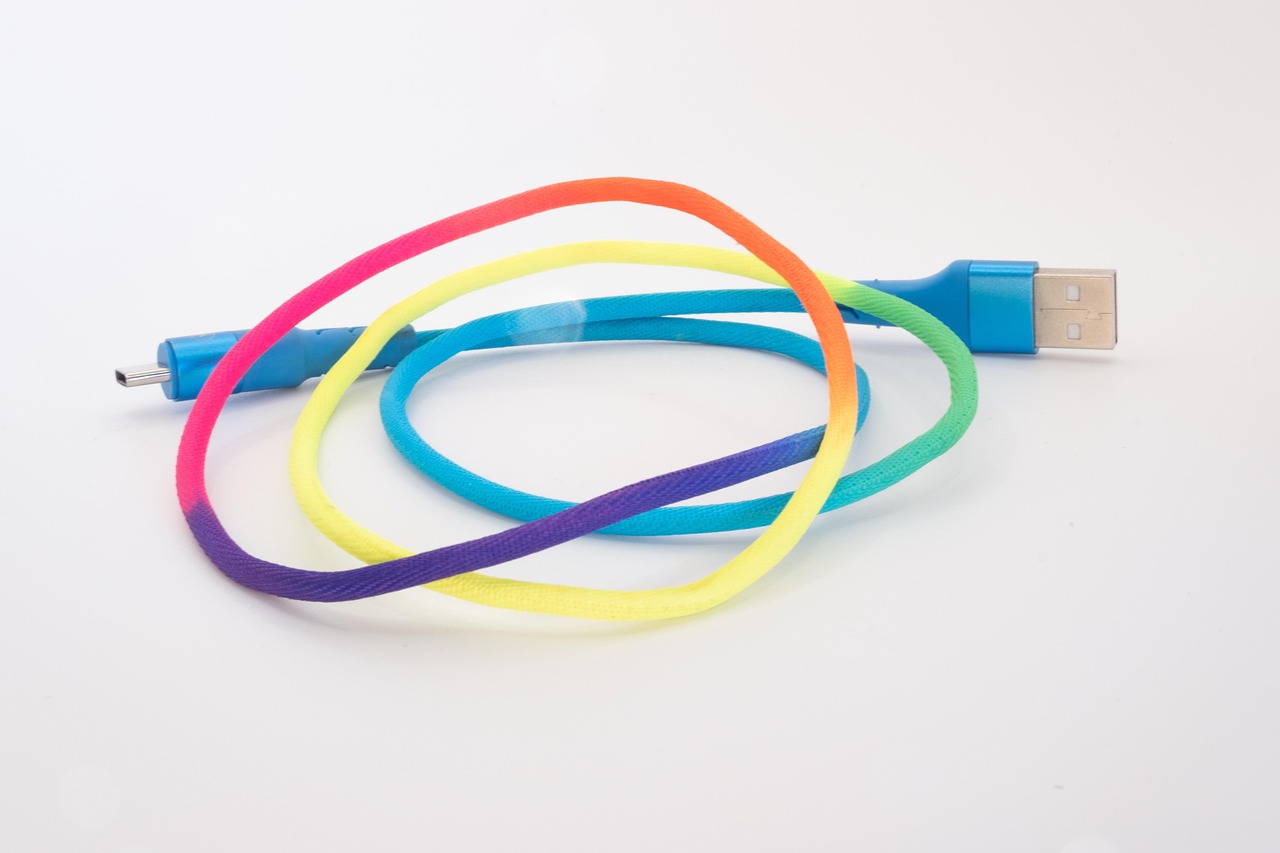
Powering your devices while traveling can be a challenge, especially in a cruise cabin where outlet space is often limited. With multiple gadgets needing a charge, it’s essential to strategize how to effectively manage your power needs. Understanding the differences between USB-C and USB-A connections can help you make informed decisions about what equipment to bring.
Using a power strip designed for travel can significantly ease your charging woes. These strips not only provide additional outlets but can also accommodate various types of plugs, ensuring that you can keep all your devices powered up. Knowing how to maximize these resources will enhance your cruising experience.
Understanding Your Device Needs
Before embarking on your cruise, take a moment to assess the devices you plan to bring. Common items include smartphones, tablets, e-readers, and wearables. By identifying each device’s power requirements, you can better prepare for charging them efficiently during your trip.
Consider the charging capabilities of each device. Some may require more power than others, making it essential to prioritize which devices need to be charged first. This will help you manage limited charging outlets effectively, ensuring that your most crucial devices stay powered throughout your journey.
USB-C Versus USB-A: What’s the Difference?
USB-C has become increasingly popular due to its versatility. It supports faster charging and higher data transfer rates compared to USB-A. If your devices feature USB-C ports, investing in a compatible charger will help you maximize efficiency.
On the other hand, many older devices still use USB-A. Knowing the types of connections your gadgets have will guide your selection of charging cables and adapters, ensuring you can connect everything you need without hassle.
Maximizing Outlet Space
Space is often at a premium in cruise cabins. Using a compact power strip can provide multiple outlets in a single, space-efficient design. Look for options that are lightweight and easy to pack, allowing you to carry them without adding significant weight to your luggage.
Placing your power strip on a bedside table or desk can help keep your devices organized and easily accessible. This arrangement allows you to charge multiple devices simultaneously while keeping cords manageable, reducing clutter in your cabin.
Smart Power Strips for Travel
Smart power strips can enhance your charging experience by offering features like surge protection, USB ports, and individual control over each outlet. This means you can charge devices without worrying about overloading a single outlet.
Many models include built-in USB ports, allowing you to charge devices directly without needing separate adapters. This can be particularly useful on cruises, where wall outlets may be limited, and having USB access can save time and effort.
Charging Multiple Devices
When traveling with multiple devices, consider how you can charge them all simultaneously. A power strip with multiple outlets and integrated USB ports is a practical solution. This allows for the charging of several devices at once, ensuring that you’re never out of power.
Be mindful of the total power consumption of all devices connected to the strip. Keeping track of this can prevent overloads and ensure safe charging while you enjoy your cruise. Always prioritize the devices that need charging the most, especially those that are essential for communication or navigation.
Organizing Your Charging Setup
Keeping your charging area organized can greatly reduce stress while on your cruise. Use cable organizers or simple ties to keep cords untangled and easy to reach. This will save you time and effort when you need to access a specific device quickly.
Additionally, labeling cords can help you quickly identify which device belongs to which cable. This simple step can minimize confusion, especially if you’re sharing charging space with fellow travelers.
Safety Considerations
When using power strips on a cruise, always prioritize safety. Avoid overloading any outlet and ensure that your devices are compatible with the voltage provided in your cabin. This can help prevent damage to your devices and maintain a safe charging environment.
Inspect your power strip for any signs of wear or damage before use. Using a faulty strip can lead to safety hazards, so replacing older equipment is advisable. Always follow the manufacturer’s guidelines for use, ensuring a safe and effective charging experience.
The short version
To effectively charge four devices from two outlets in your cruise cabin, assess your charging needs and invest in a smart power strip that accommodates both USB-C and USB-A connections. Organizing your charging setup and prioritizing safety will enhance your experience, allowing you to stay connected and enjoy your journey.
Understanding Your Device Needs: USB-C vs. USB-A
When packing for your cruise, it’s essential to account for all your devices, ensuring you have adequate charging capabilities. Many modern gadgets utilize USB-C, which charges faster and is becoming increasingly common. However, some older devices still rely on USB-A. Be honest about your device inventory to avoid overloading your power strip and ensure all your essentials can charge simultaneously.
Selecting a non-surge power strip that accommodates both USB-C and USB-A ports is crucial for seamless charging. This versatility allows you to connect multiple devices without worry. It’s wise to choose a compact design that can fit easily into your cruise cabin organizer, ensuring you maximize space while keeping all your gadgets powered up and ready for adventure.
Where to go next
Everything discussed here lives in Cabin Power. If you are weighing two options and cannot decide, the answers page covers the questions we get asked most, and a message reaches the people who pack the orders.
From that section
- Moyisea Ultimate Cruise Essentials Kit with Power Strip & Accessories
- Cruise Essentials Kit with Non-Surge Power Strip and Accessories
- TESSAN Universal Travel Adapter 28W with 3 USB C and 2 USB A Ports